ocbet Download – Android APK & iOS Setup for Philippine Players
This page walks Philippine players through every option for getting ocbet onto a smartphone — from sideloading the Android APK to setting up the iOS PWA shortcut in Safari. No app store account is required, and every feature available on desktop is fully accessible after setup.
How Do You Get ocbet on Your Phone in the Philippines?
The ocbet Download page gives Philippine players two straightforward ways to put the platform on a smartphone: sideloading the Android APK directly onto any Android device, or using the Safari "Add to Home Screen" feature on iOS to create a full-screen PWA shortcut. Neither method requires a Google Play Store or Apple App Store account, which means you can complete the setup in a few minutes using only your phone and a stable internet connection. Once installed, the app launcher gives you single-tap access to the full platform — sports betting, live casino, slot online, and PHP payments — without needing to open a browser first. If you already have an account, you can log in immediately after installation through the login page; new players can sign up via the register page before or after setup.
The browser-based mobile experience at ocbet.pro also works on any Android or iOS device without any installation at all, so if you prefer not to install anything, simply open the site in Chrome or Safari and the mobile-optimised layout loads automatically.
Three Ways to Access ocbet on Mobile
Pick the setup method that suits your device and preference — all three give you the full platform.
Android APK Sideload
Android users can download the ocbet APK file directly from this page, enable "Install from unknown sources" in their device settings, and run the installer — the whole process takes under three minutes on most phones. Once installed, the app icon appears on your home screen and launches the platform in a dedicated full-screen window without any browser address bar. All features including live betting, baccarat, and GCash deposits are available immediately after logging in. The APK works on Android 7.0 and above, which covers the vast majority of smartphones currently in use across the Philippines.
iOS Add to Home Screen
iPhone and iPad users can add ocbet to their home screen in just a few taps: open ocbet.pro in Safari, tap the Share button, select "Add to Home Screen," and confirm. This creates a Progressive Web App shortcut that opens the platform in full-screen mode — no browser chrome, no address bar — making it feel and behave like a native app. The PWA retains your login session between visits, so you do not need to re-enter your credentials every time you open it. This method works on iOS 14.0 and above and requires no Apple ID or App Store interaction at any point.
Mobile Browser — No Install
If you prefer not to install anything, simply open ocbet.pro in Chrome, Firefox, or Safari on any smartphone and the site automatically serves the mobile-optimised layout. This is the fastest way to start — there is zero setup, and you can browse the sports lobby, check casino game categories, and review the FAQ without even having an account. All deposits, withdrawals, live betting, and casino features work identically in the browser as they do in the installed app. This option is particularly convenient for players who switch between multiple devices or who prefer not to manage installed apps.
Step-by-Step: Installing the Android APK
Installing the ocbet APK on an Android phone is a straightforward process that most Filipino players can complete in under five minutes. The key step — enabling sideloading — is a one-time setting that you only need to change once, and it does not affect any other apps on your device. Here is the complete process from start to finish.
-
1
Open this page on your Android phone
Navigate to ocbet.pro/download in Chrome and tap the APK download button. The file will save to your Downloads folder automatically.
-
2
Enable installs from unknown sources
Go to Settings > Apps > Special App Access > Install Unknown Apps, then allow Chrome (or your browser) to install APK files. On some Android versions this prompt appears automatically when you tap the downloaded file.
-
3
Tap the downloaded APK to install
Open your Downloads folder, tap the ocbet APK file, and follow the on-screen install prompt. The installation takes only a few seconds and requires no additional permissions beyond standard app access.
-
4
Log in or register and start playing
Tap the ocbet icon on your home screen, log in with your existing account or complete a quick registration, and you are ready to access sports betting, live casino, and slot online titles in Philippine Peso.
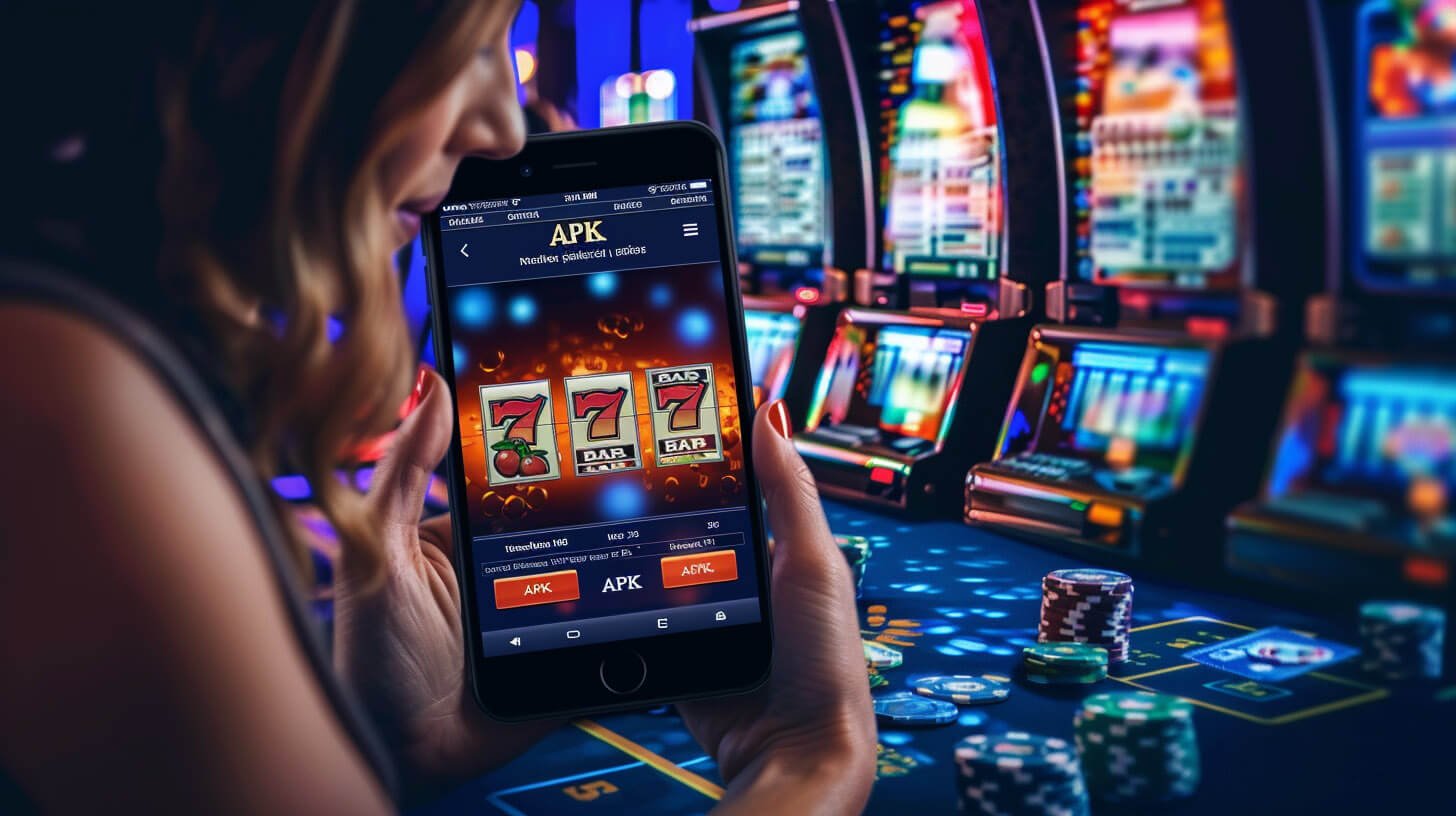

iOS Setup: Add ocbet to Your Home Screen in Safari
iPhone users can have an ocbet launcher icon on their home screen in under sixty seconds without touching the App Store at all. The process uses Safari's built-in PWA feature, which is supported on every iPhone running iOS 14 or later — that covers virtually every iPhone model sold in the Philippines over the past several years. Once added, the shortcut opens the platform in a full-screen session that looks and feels like a native app, complete with a persistent login so you do not need to sign in again on your next visit.
- Open ocbet.pro in Safari on your iPhone or iPad
- Tap the Share icon (box with upward arrow) at the bottom of Safari
- Scroll down and tap Add to Home Screen
- Confirm the name and tap Add — the icon appears instantly
- Tap the icon to open ocbet in full-screen mode and log in or register
Platform & Payment Compatibility at a Glance
A quick reference for Philippine players checking which features are available on each access method.
| Feature | Android APK | iOS PWA | Mobile Browser |
|---|---|---|---|
| Sports Betting | Yes | Yes | Yes |
| Live Casino | Yes | Yes | Yes |
| Slot Online | Yes | Yes | Yes |
| GCash / Maya Deposit | Yes | Yes | Yes |
| PHP Withdrawal | Yes | Yes | Yes |
| Home Screen Icon | Native launcher | Safari shortcut | Browser bookmark |
| App Store Required | No | No | No |
More to Explore After Setup
Once ocbet is on your phone, these sections cover what to do next.
Mobile App Overview
Learn about the full mobile experience — features, browser access, and what works on Android versus iOS.
Sports Betting
PBA, boxing, football, and esports markets — place pre-match and live bets in PHP straight from your phone.
Help & FAQ
Answers to common setup questions, payment processing times, registration steps, and account help.
Common Questions About Downloading ocbet
Answers to what Philippine players most commonly search for when setting up ocbet on a mobile device.
Ready to Set Up ocbet on Your Phone?
Follow the steps above to get the Android APK or iOS shortcut on your device in minutes. Register a free account, make your first deposit via GCash or Maya in Philippine Peso, and access sports betting, live casino, and slot online titles all from one place built for Filipino players.